Square · 1:1
Automatic face focus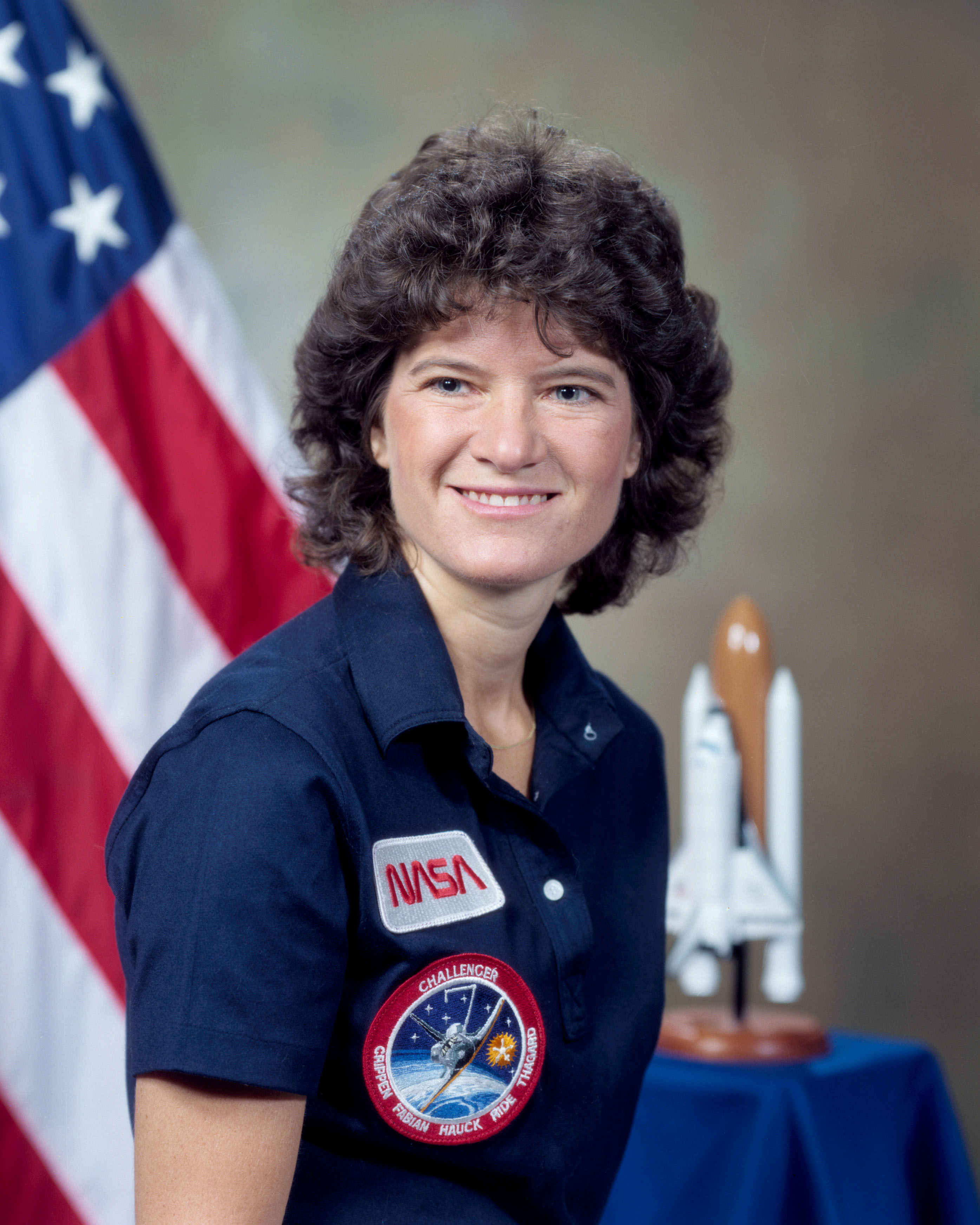
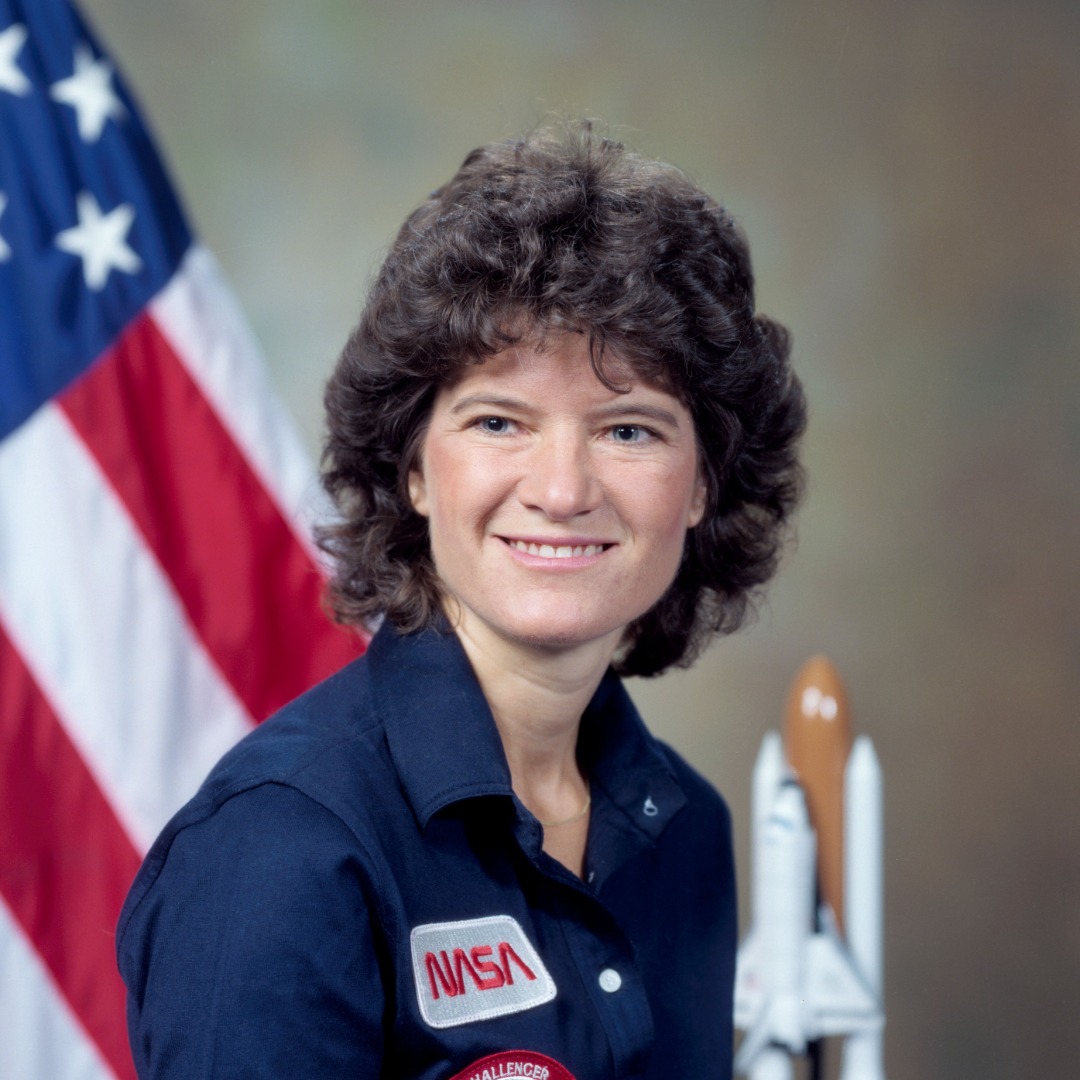
The face suggestion shifts the square toward the top of this portrait.
 Frameleaf
Smart Cropper / Examples
Compare an original image with its crop. Automatic face focus helps choose a starting frame; you can always move it.
The face suggestion shifts the square toward the top of this portrait.
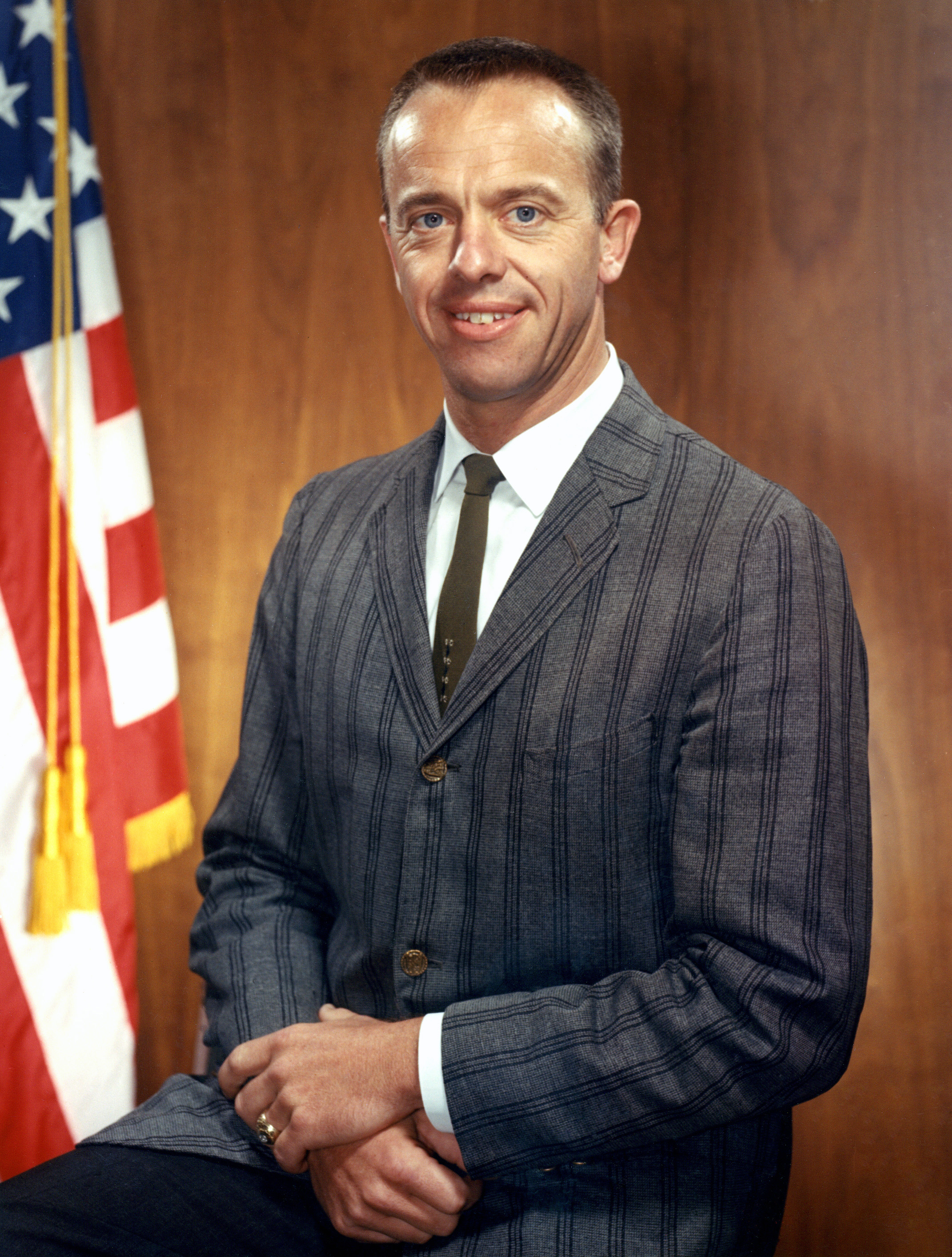
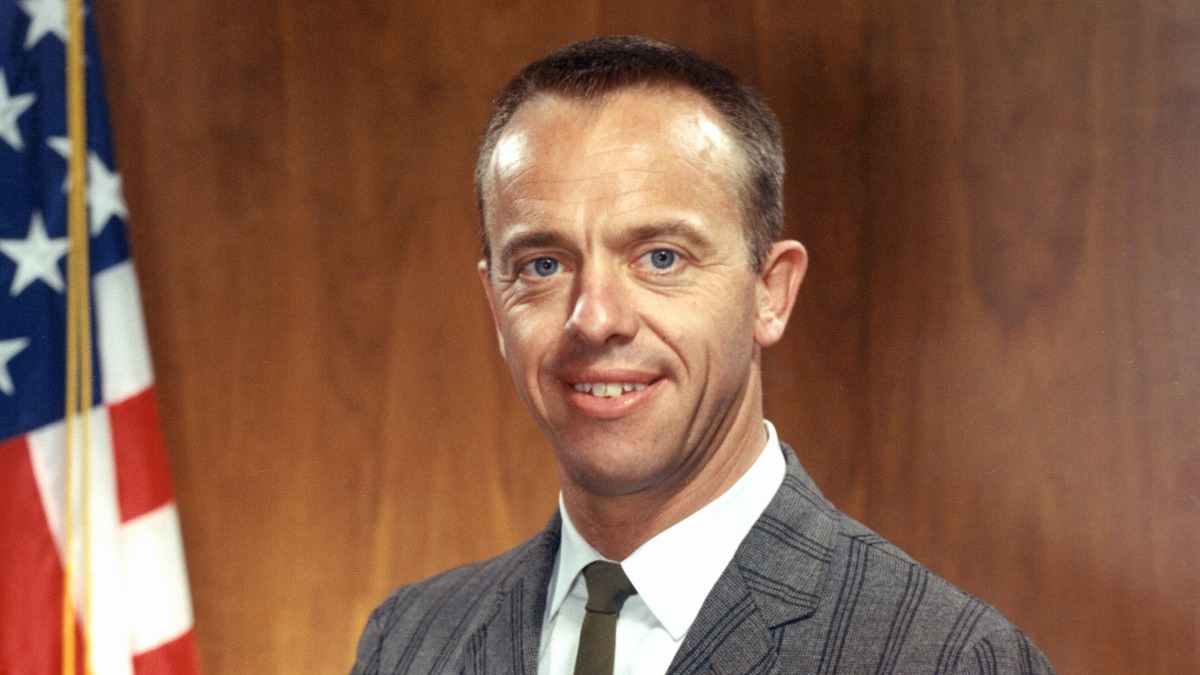
The landscape crop keeps the detected face in a wide frame.
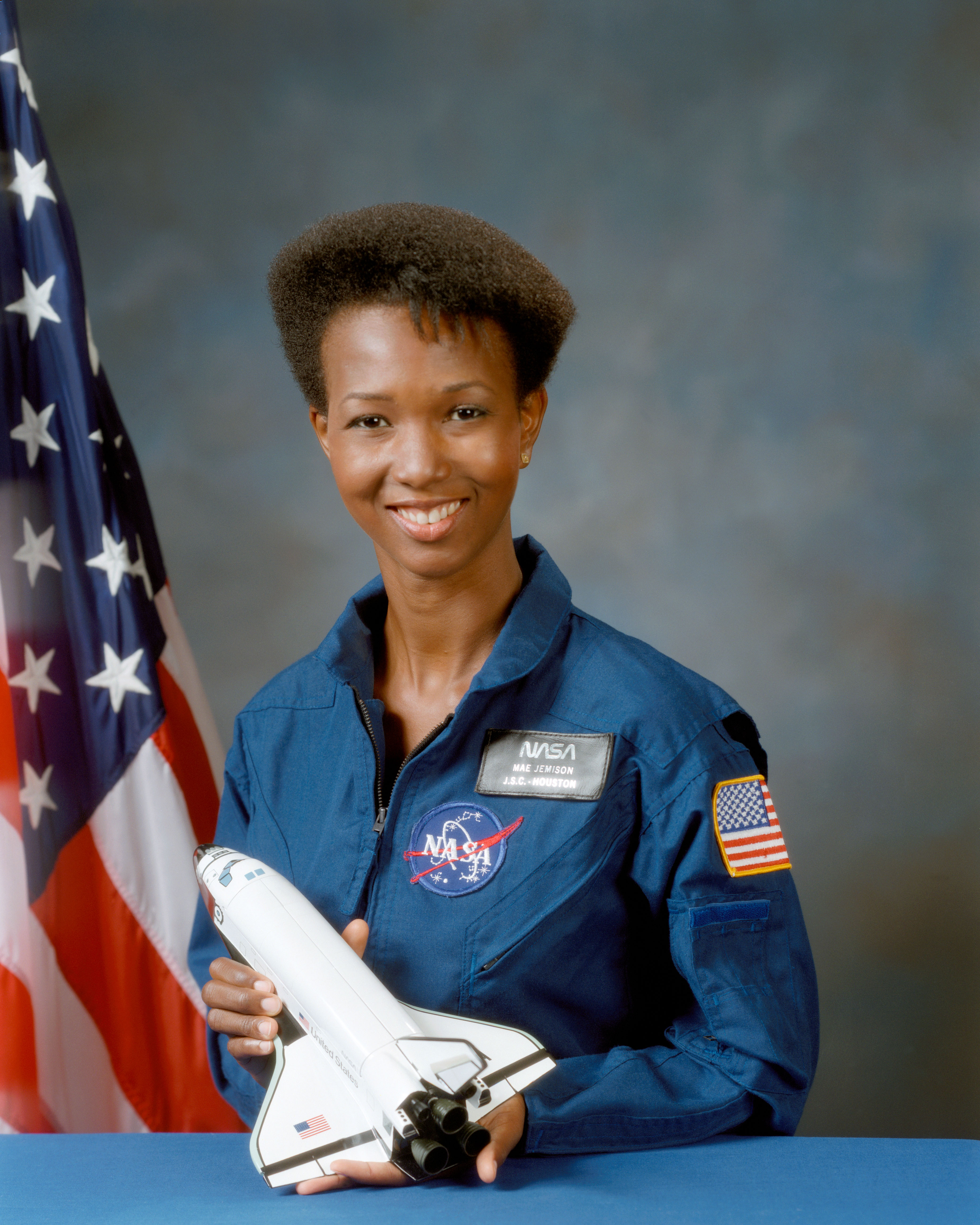
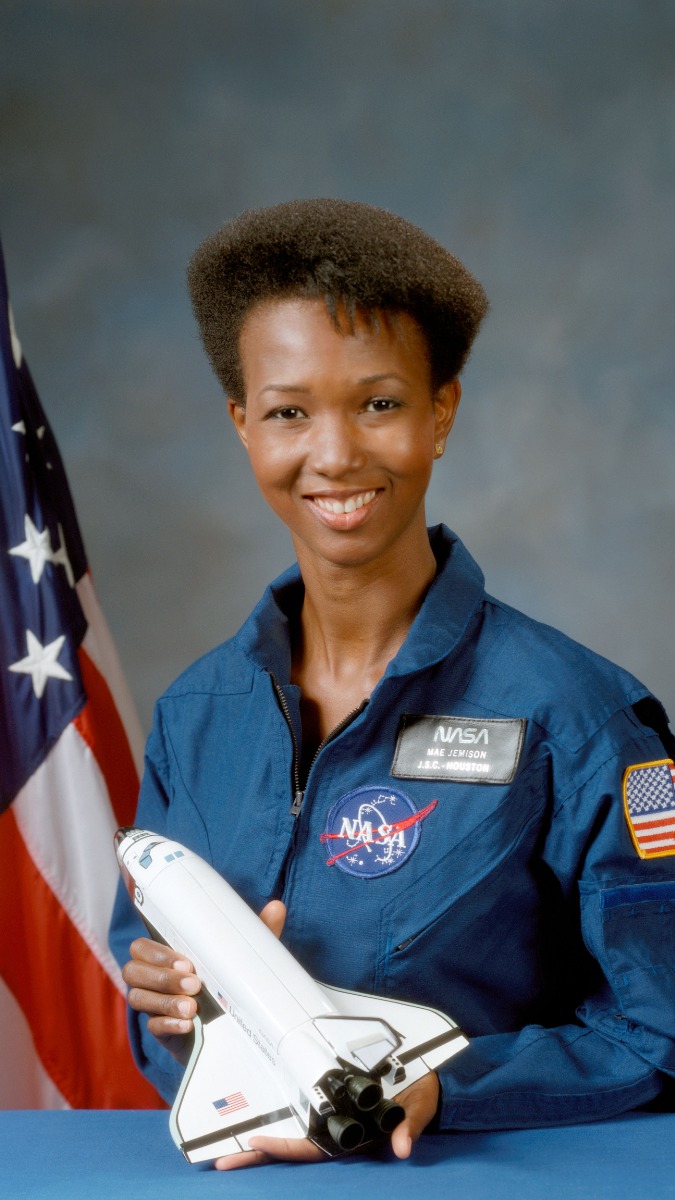
The tall crop stays near the detected face. The free download is limited to a 1,200 px longest edge.
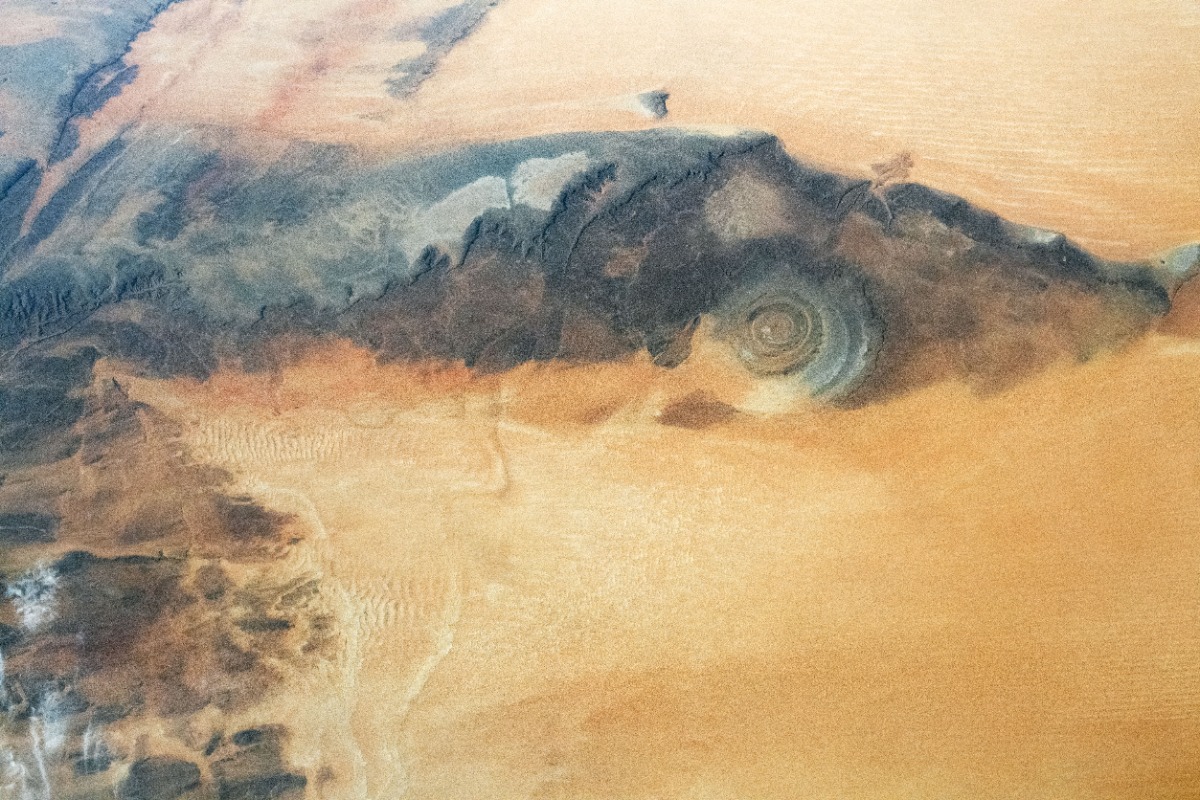
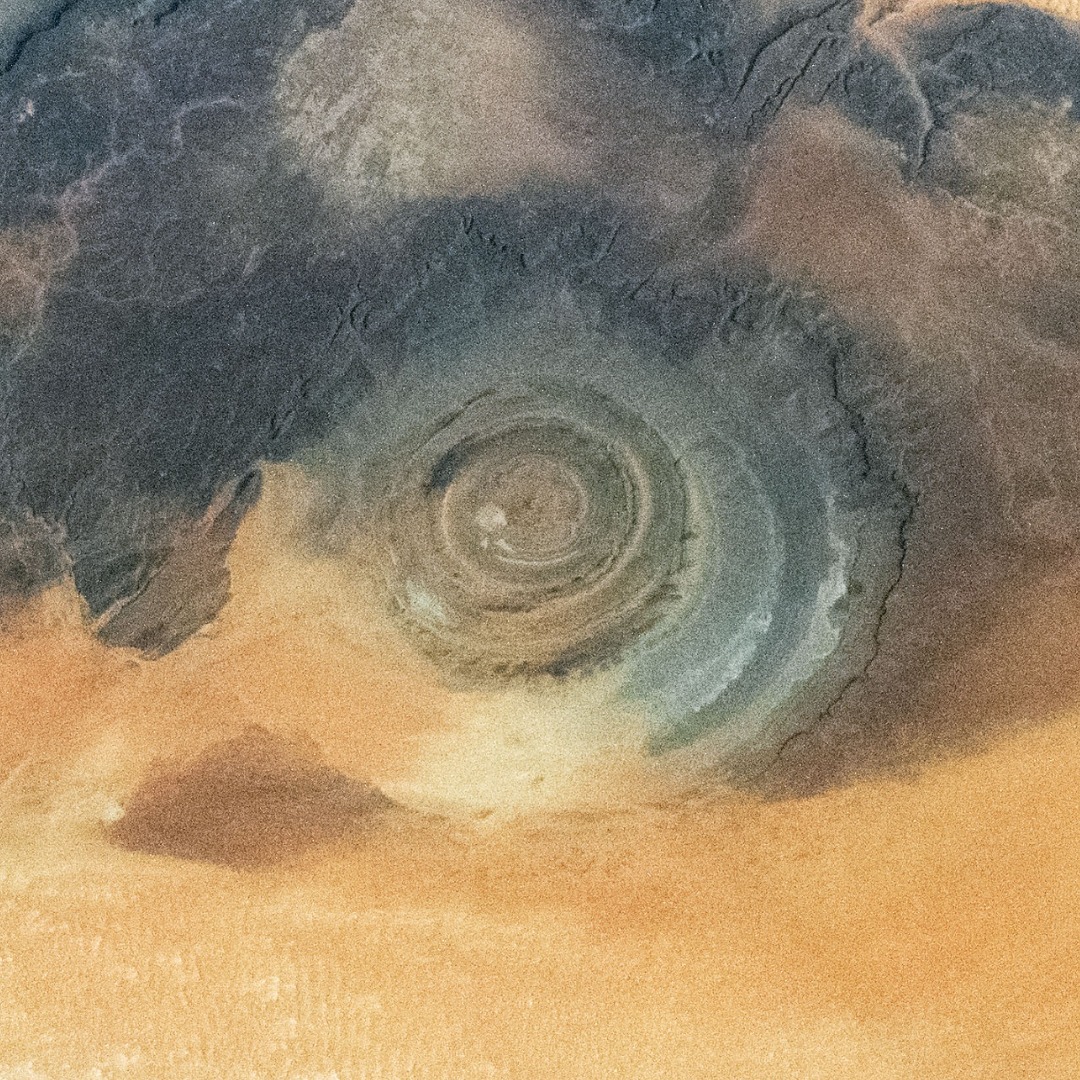
Move the frame onto the circular formation and zoom in to remove the surrounding dunes.
NASA photographs are shown as factual framing examples. NASA does not endorse Smart Cropper. Image usage guidelines.
Choose a ratio, review the suggestion, then drag the crop or use the focus controls. If automatic framing finds no face or common object, manual cropping remains available.
Open Smart Cropper